
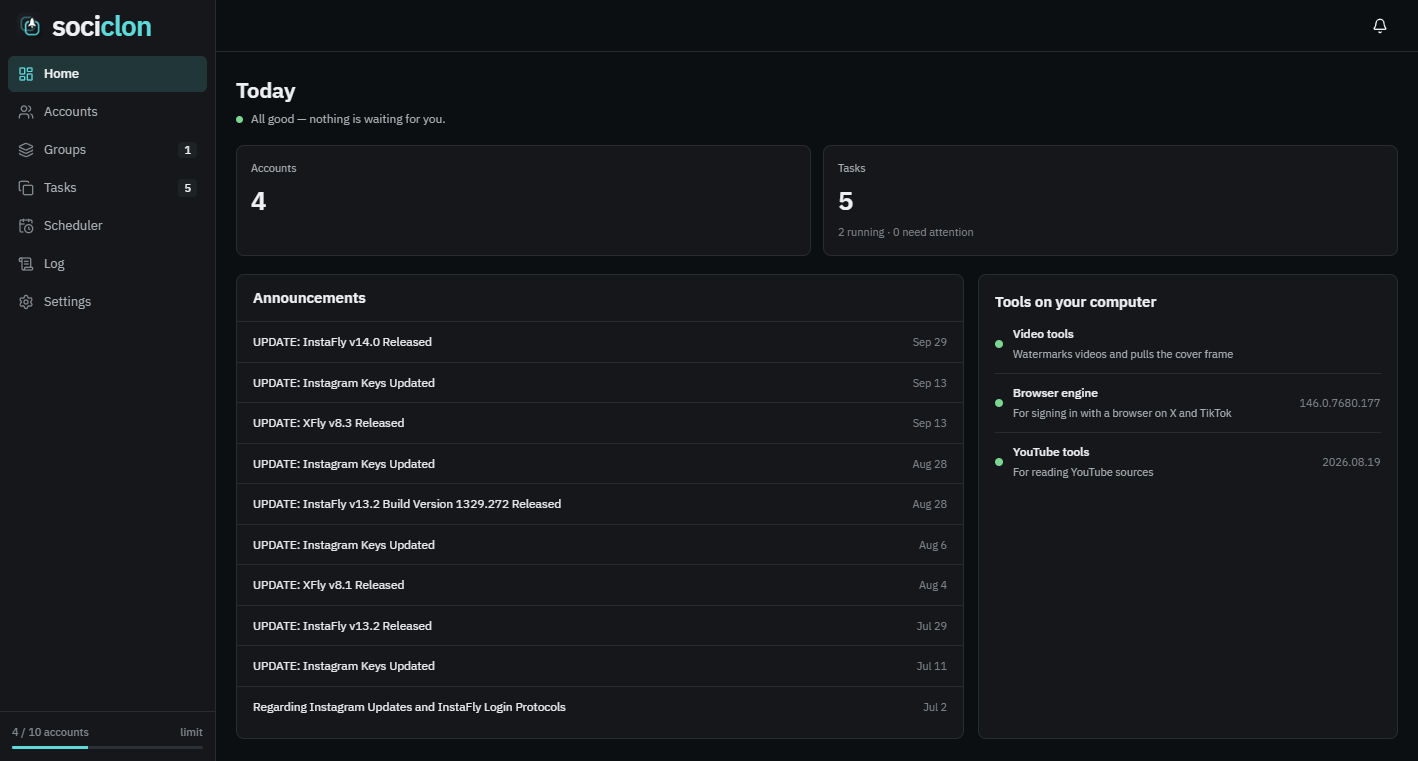
The tedious part of creating content is gone
Pick the source account once and let Sociclon do the rest
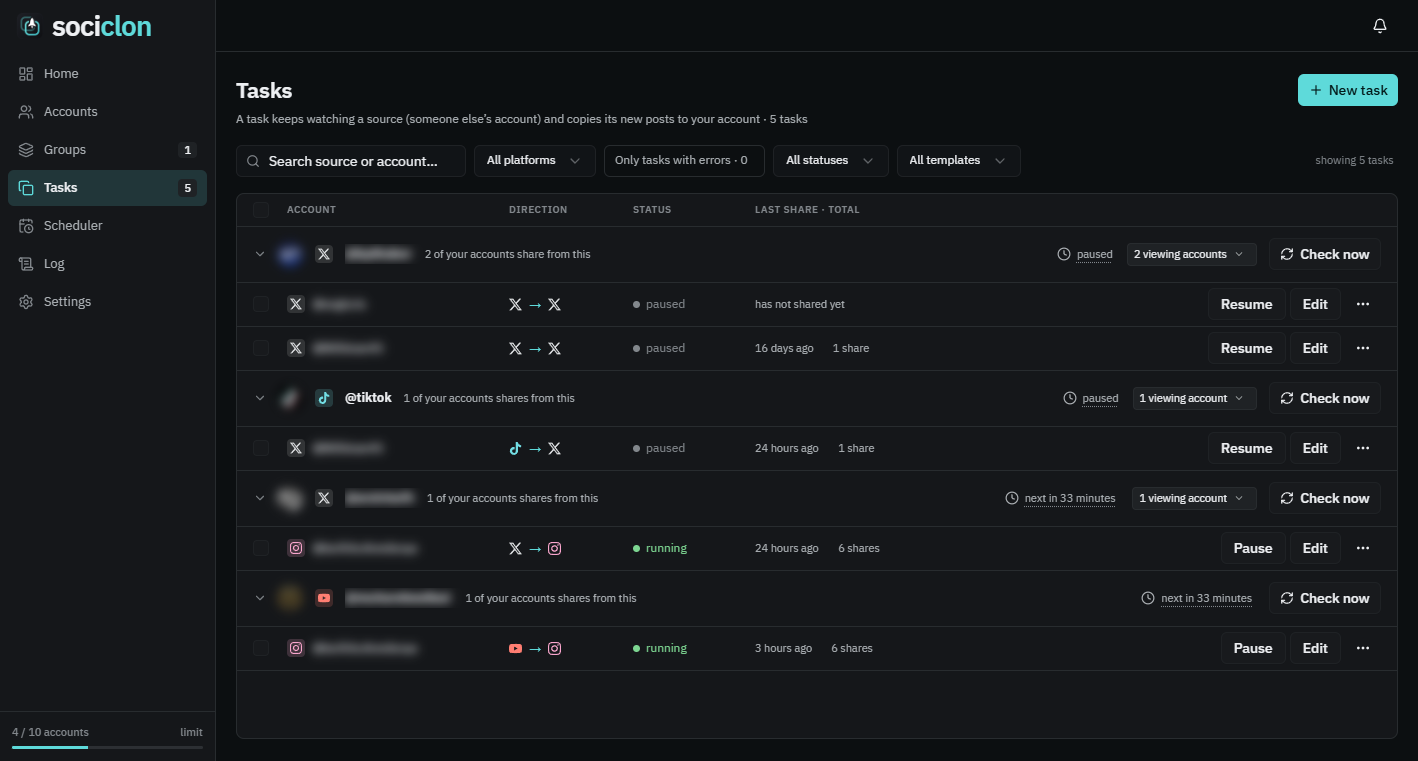
They post, you post
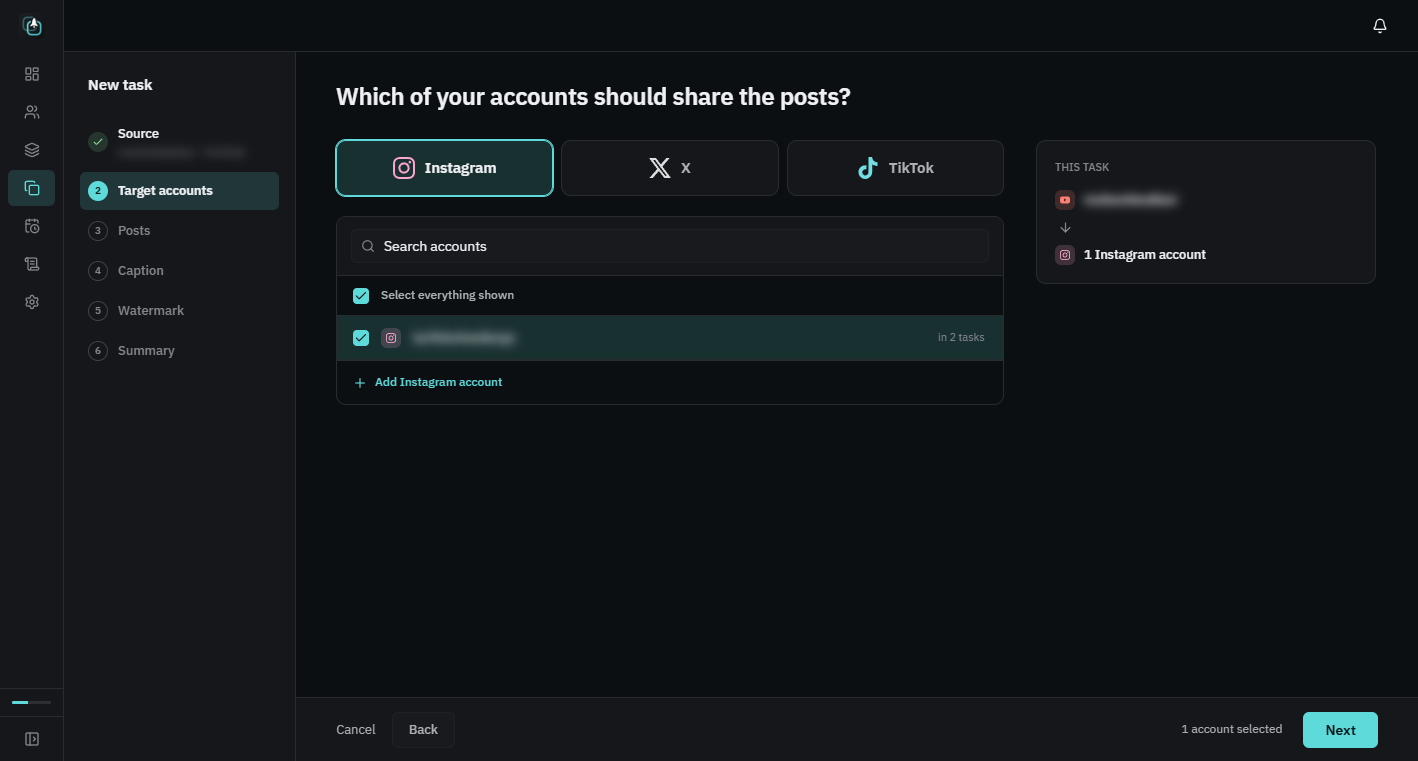
Pair a source account with your own. Sociclon checks the source as often as you set and shares new posts right away.
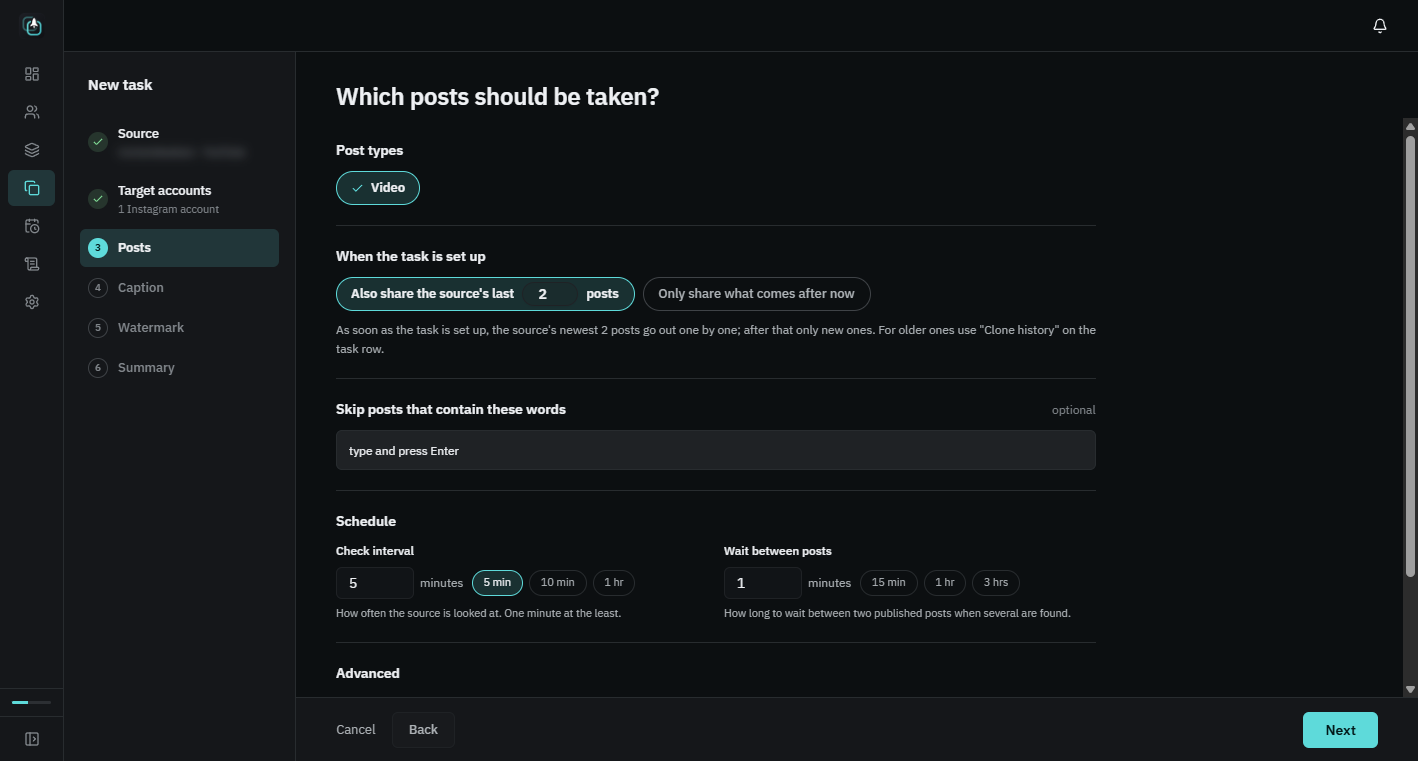
- Can share the latest posts when a task starts
- Connect one source to several of your accounts
- Skip posts containing banned words
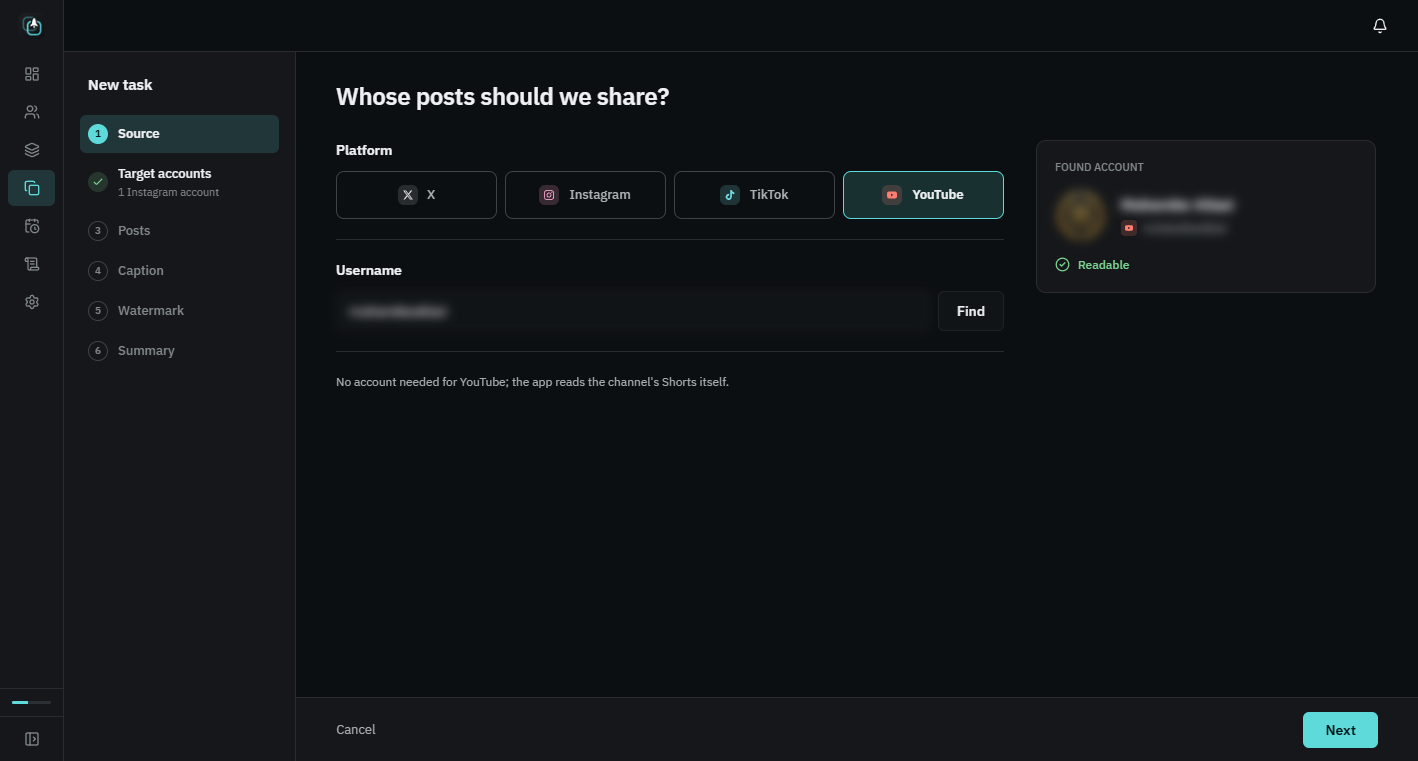
Not limited to one platform
Posts to your Instagram, X and TikTok accounts and watches Instagram, X, TikTok and YouTube accounts as sources. Every cross-platform direction is supported.
- X tweets to Instagram and TikTok as image cards
- YouTube Shorts without an account
- TikTok videos to Instagram Reels
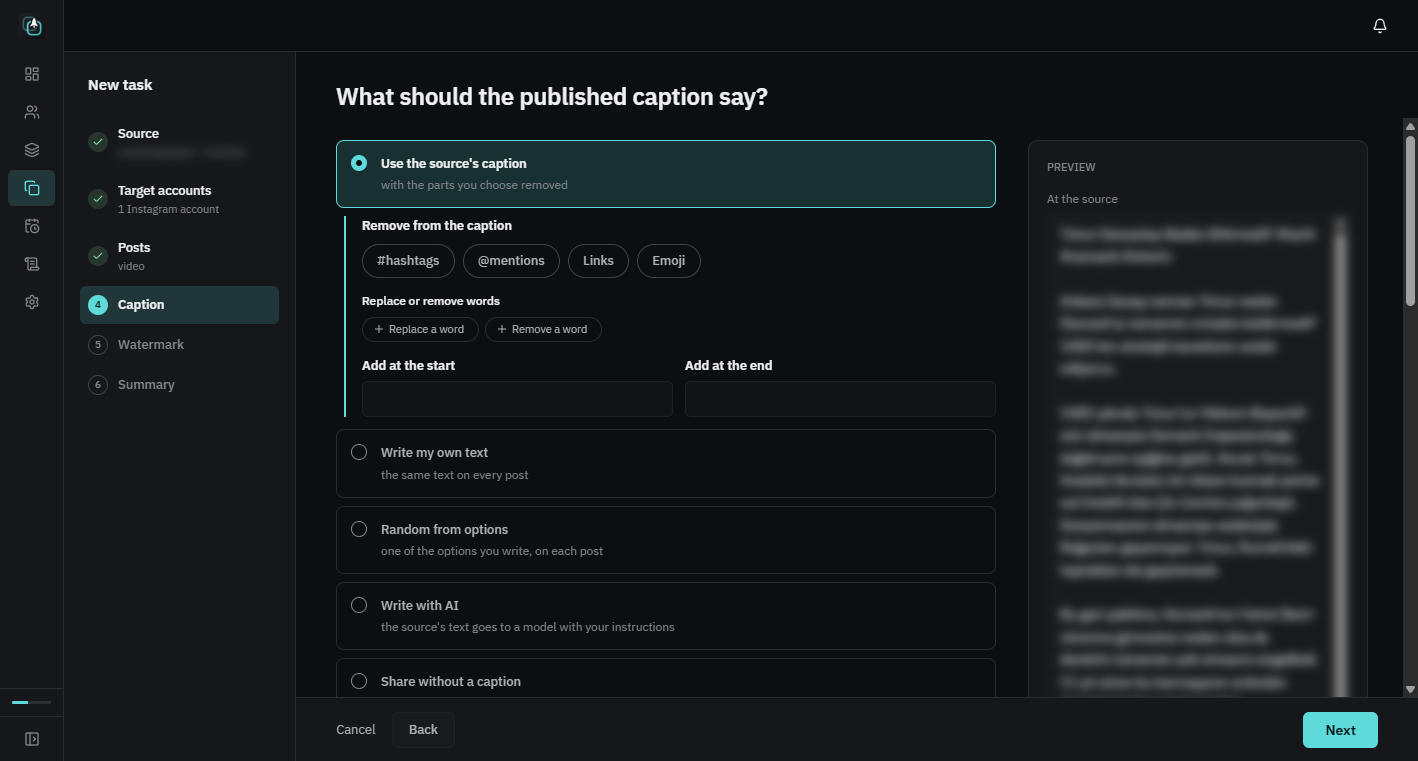
Captions in your own style
Remove hashtags, mentions, links and emojis in one click, replace words, add text to the start and end, or write your own caption.
- Credit the source account
- Rewrite with AI using your own prompt
- Translation, rewording and hashtag generation
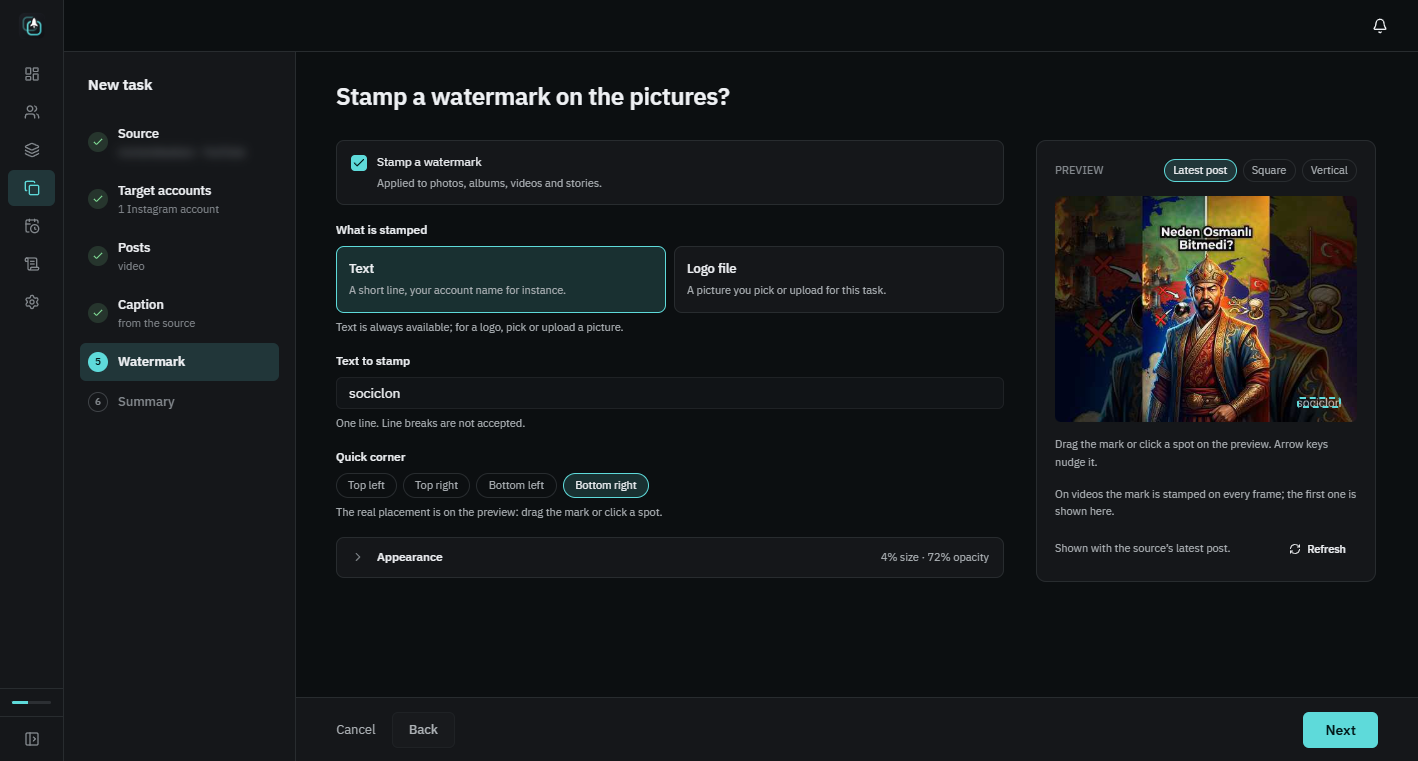
Your signature on every post
Add a text or logo watermark to photos, albums and videos and drag it into place in the preview.
- Text or logo
- Drag to position in the preview
- Applied to every frame of videos
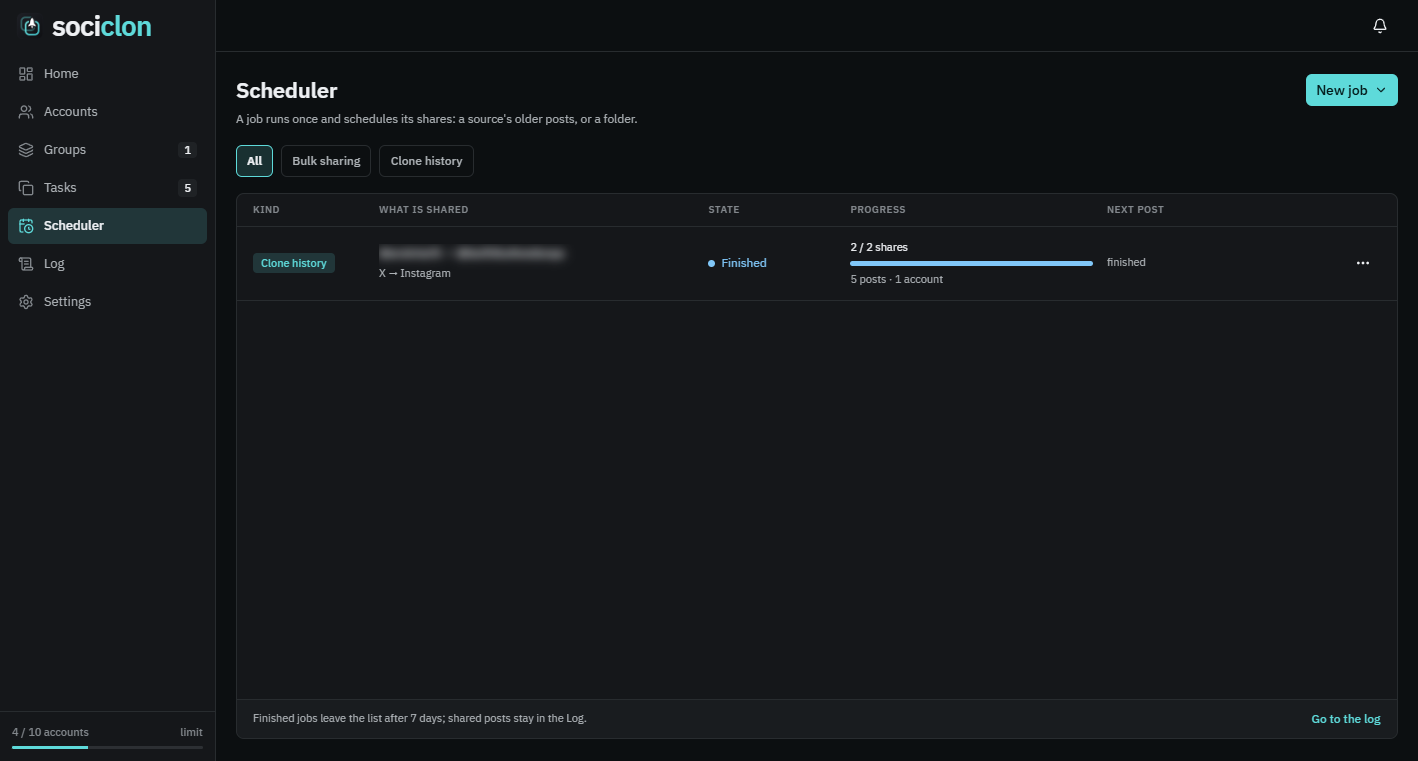
Clone past posts too
Pick an account's older posts; Sociclon shares them in order by start time, interval and daily active hours.
- Filter YouTube by view count
- Bulk posting from your computer
- Auto-post files dropped into a folder
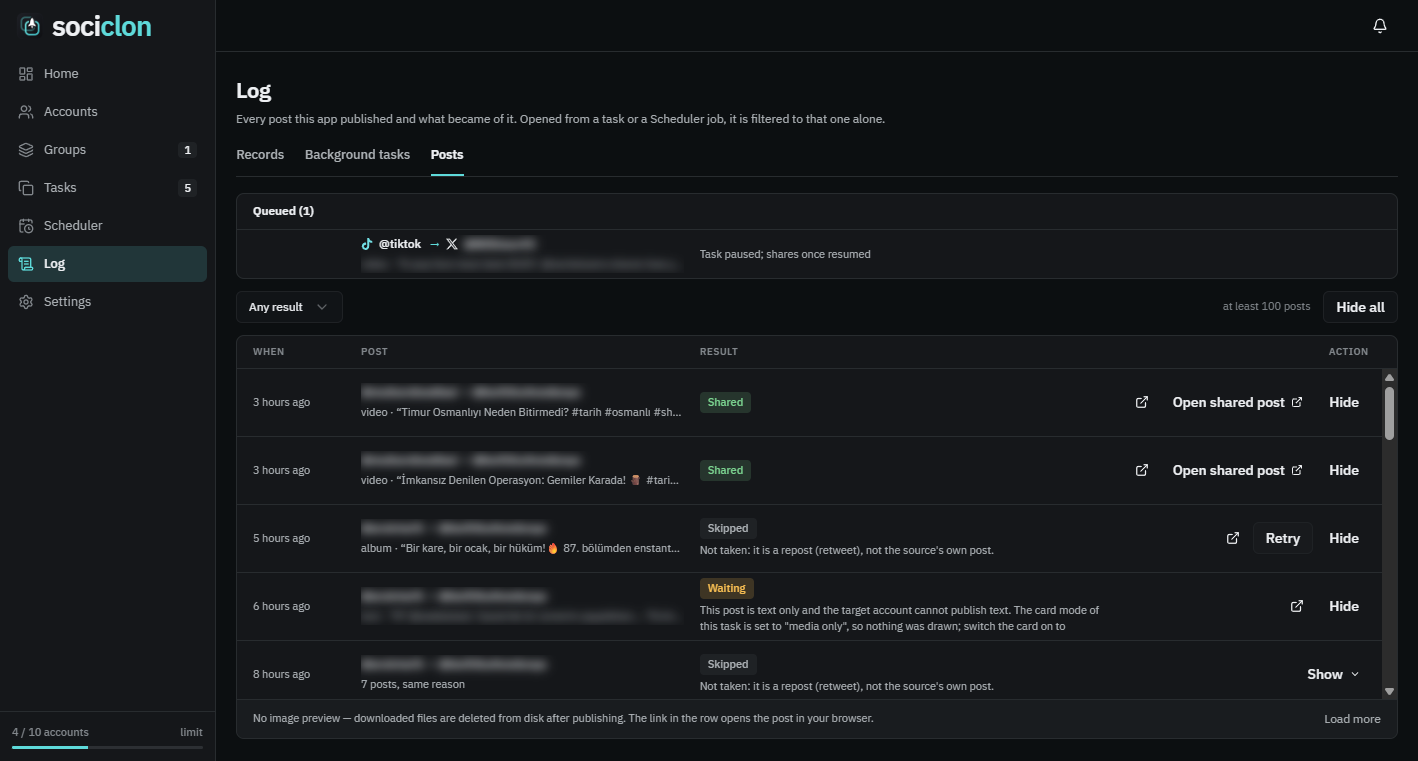
See what was posted
See which post was shared when, why one was skipped and what is waiting next on one screen. Anything that needs attention shows up under the notification bell.
- Shared, skipped and pending posts
- Alerts on the home page and notification bell
- Keeps running in the system tray when closed
From which platform to where?
Share tweets as image cards and media.
Move photos, albums, videos and Reels.
Move videos and photo slideshows.
Move Shorts without an account.
Share every new image, video and album dropped into a folder.
Share long texts as they are on verified accounts and as automatic threads on others.
Screenshots
Click to enlarge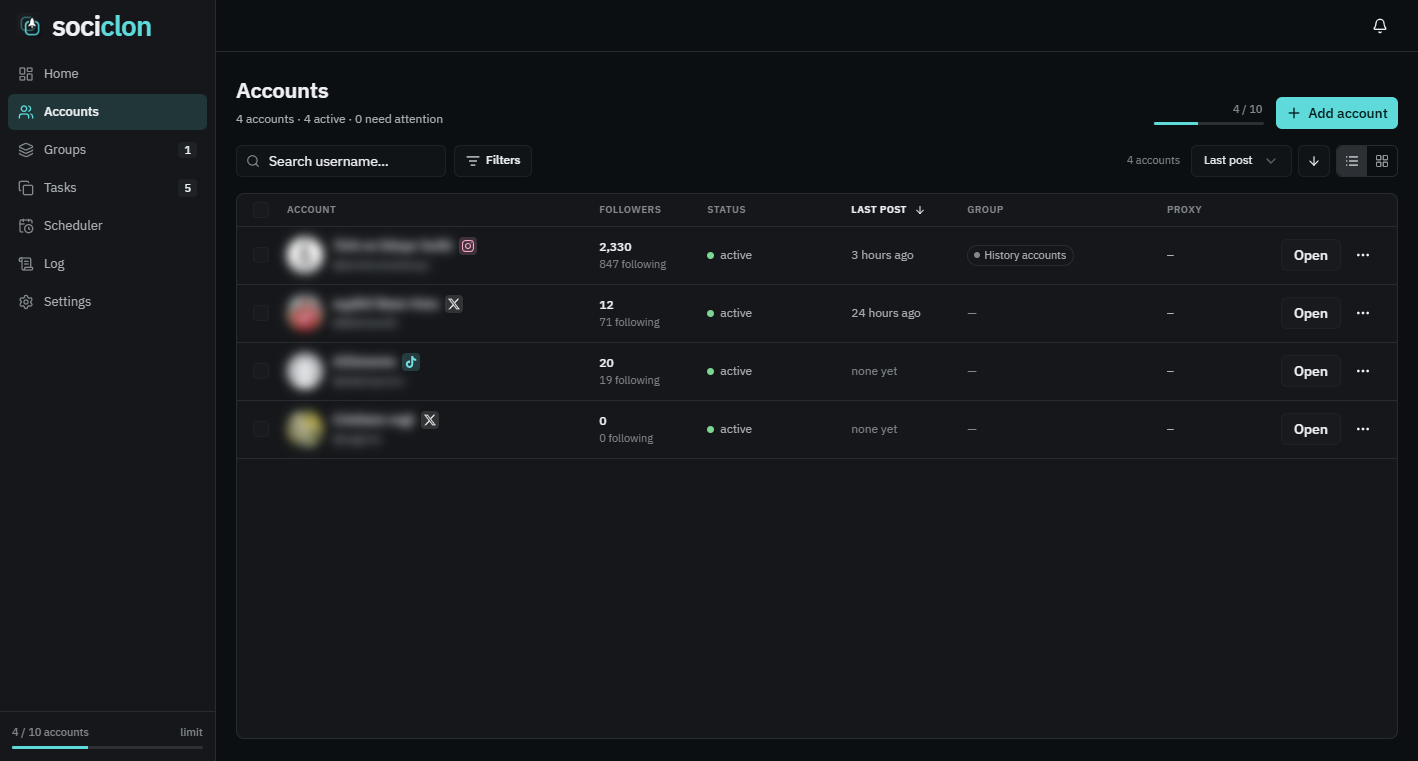
All features
About Sociclon v1.0
Sociclon removes the most tedious part of running content accounts: pick a source account once and Sociclon does the rest. New posts are found automatically, captions are cleaned up the way you like or rewritten with AI, your watermark is added and posts go out on your accounts at the pace you set.
You are not tied to one platform: turn an X account's tweets into image cards on Instagram, send a YouTube channel's Shorts to TikTok, or move a TikTok account's videos to Instagram Reels.
Sociclon Key Features
- Multi-Platform: Posts to your Instagram, X and TikTok accounts; watches Instagram, X, TikTok and YouTube (Shorts) accounts as sources. Every direction between platforms works.
- Continuous Watching (Tasks): Pair a source account with your own; Sociclon checks the source as often as you like and shares new posts right away. It can also share the source's latest posts the moment the task starts.
- Clone Past Posts (Scheduler): Pick an account's older posts; Sociclon shares them one by one by start time, interval and daily active hours. On YouTube you can filter by view count and take only the most-watched ones.
- Tweet Cards: X posts reach Instagram and TikTok as a clean image card with avatar, name, username, text, date and counters; the tweet's photos and videos come along too. Emoji, non-Latin characters and long texts render perfectly. You choose the card theme, text size, background and logo. On Instagram the card can go out as a 5-second Reel.
- Caption Editing: Strip hashtags, mentions, links and emoji with one click; replace or delete words; add text before and after; credit the source or write your own caption.
- AI Captions: Rewrite captions with your own prompt: translate, make them original, generate hashtags… Optionally the image is sent to the model too.
- Watermark: Add a text or logo watermark to photos, albums and videos; place it by dragging it on the preview. Videos get it on every frame.
- Bulk Posting: Share images and videos from your computer on the accounts you choose, one by one, on a schedule.
- Folder Posting: Pick a folder on your computer; images and videos you drop into it are posted on the accounts you choose automatically, with a wait between posts. A .txt with the same name becomes the caption, an image with the same name becomes the video's cover, and a sub-folder goes out as one album. Point your video tools' output folder at it and let Sociclon do the rest.
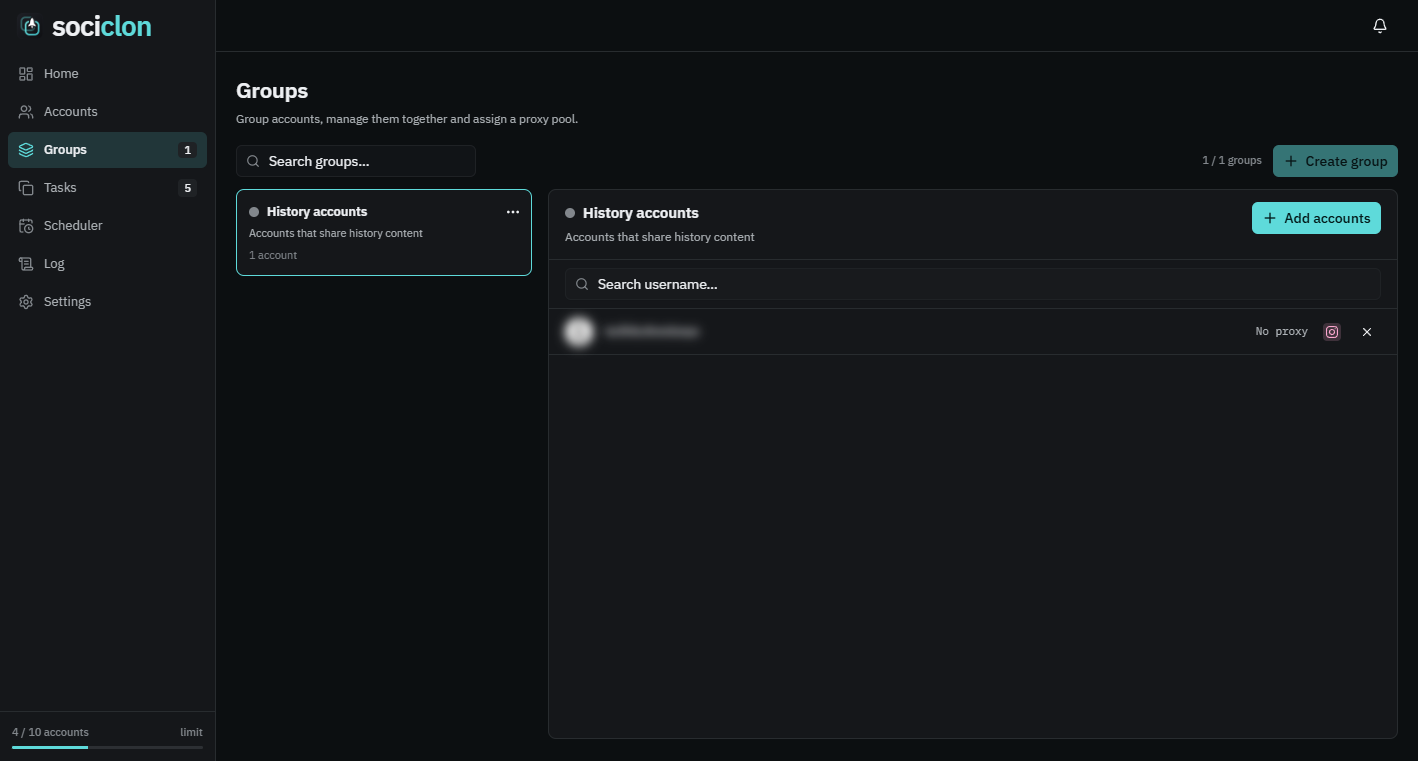
- Groups and Proxies: Organise accounts into groups and assign a proxy pool or port range to each group, so every account connects from its own IP.
- Secure Browser Sign-in: X and TikTok sign-ins happen in a built-in, trace-free secure browser; cookie import and two-factor authentication are supported. The browser profile is deleted every time it closes.
- Encrypted Storage: Passwords, sessions and API keys are stored on your computer with AES-GCM encryption; the key lives in Windows' secure vault.
- Log and Notifications: See on one screen which post was shared when, why one was not taken and what is waiting in line. Anything that needs your attention shows up on the home page and in the notification bell.
- Runs in the Background: Close the window and Sociclon keeps working from the system tray without getting in your way.
- Hundreds of Accounts: Built to run smoothly with more than 100 accounts.
What You Can Do with Sociclon
- X → Instagram / TikTok: share tweets as an image card plus their media.
- Instagram → X / TikTok / Instagram: move photos, albums, videos and Reels.
- TikTok → Instagram / X / TikTok: move videos and photo slideshows.
- YouTube Shorts → Instagram / TikTok / X: move Shorts with no YouTube account needed.
- Folder → Instagram / TikTok / X: post every new image, video and album that lands in a folder.
- X → X: post long texts as they are on verified accounts, as an automatic thread on others.
- Connect one source to many of your accounts, or many sources to one account.
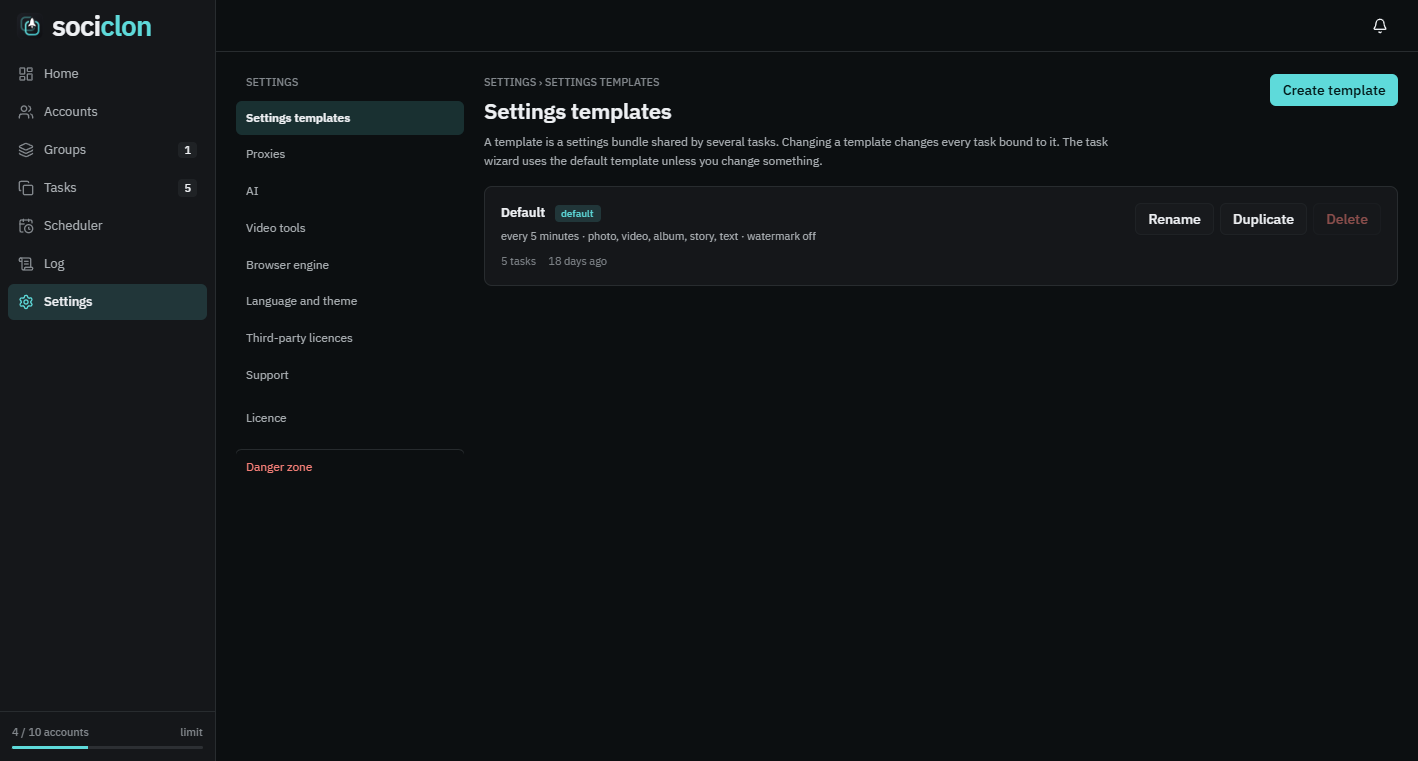
- Space posts out, skip posts containing banned words, choose post types (photo, video, album, text).
System Requirements
- Windows 10 or Windows 11, 64-bit. (Sociclon runs on Windows only.)
- 4 GB of RAM or more recommended.
- An internet connection is required; the licence is verified online.
- The tools needed for video processing and YouTube are downloaded by the app automatically.
Put your content on autopilot with Sociclon and keep your accounts fresh every day.
Note: Posting limits and rules are set by each platform. Posting against a platform's rules or above its limits may get your account temporarily restricted; this does not depend on Sociclon. You are responsible for the copyright and usage rights of the content you share.
System requirements
- Windows 10 or Windows 11, 64-bit (Sociclon runs only on Windows)
- 4 GB RAM or more recommended
- Internet connection (the license is verified online)
- Tools needed for video and YouTube are downloaded automatically
How do I start?
- Choose a planPick a plan; pay by card or with your balance.
- Download & InstallYour license appears in your panel right after payment. Download the software from there.
- Enter Your License KeyOpen the software, enter your key, add your accounts. That's it.
Frequently Asked Questions
Do you have any questions on your mind? We will support you in every aspect and answer all your questions.
Contact UsPosting limits and rules are set by each platform. Posting against platform rules or above the limits can temporarily restrict your account; this does not depend on Sociclon. The user is responsible for the copyright and usage rights of shared content.