
Update
 InstaFly
InstaFly v15.3 Released
Dear User;
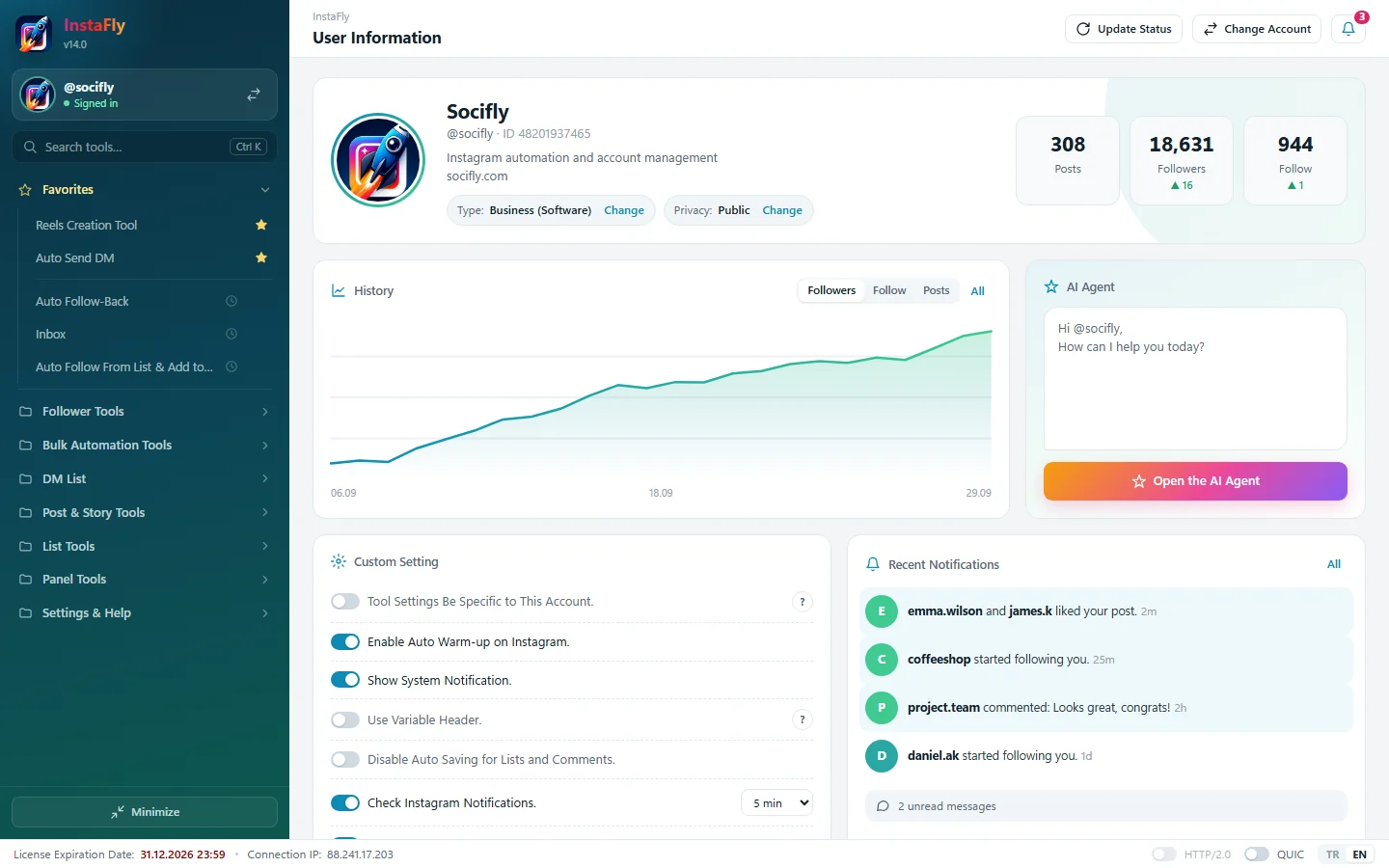
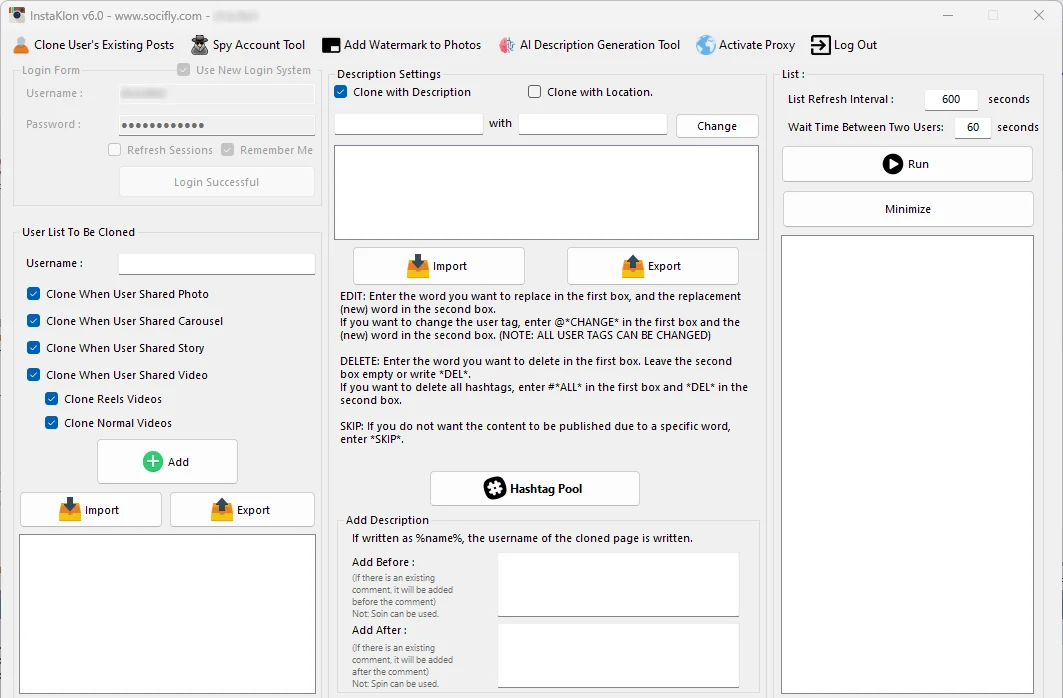
In this version we rebuilt the Auto DM Reply tool from scratch and added many new tools for account analysis and stories. Post, Reels and story sharing now use the Instagram app's own method, with highest quality, HDR and new sharing options. Dark theme is now available to everyone.
NEW VERSION
InstaFly v15.3
Rebuilt Auto DM Reply, account statistics, 5 new tools, highest quality and HDR uploads, dark theme.
Highlights
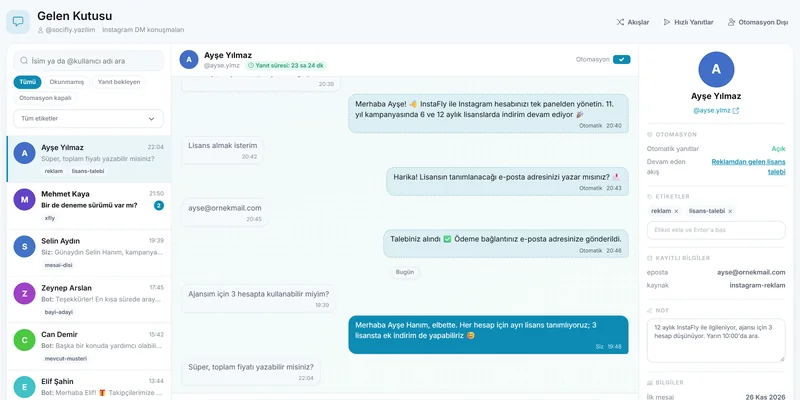
Auto DM Reply
A visual flow editor with drag-and-drop boxes and arrows, multi-step conversations, handing chats over to you, and testing without sending anything.
Account Statistics
Your professional account's Instagram statistics, with history, on your computer.
New tools
Giveaway Tool, Stories I'm Tagged In, Story Loop, A/B Reels Test and Shadowban Test.
Story highlights
Add a shared or active story to your highlights with one click.
Highest quality and HDR
Reels and video stories are uploaded with less compression, and HDR videos are uploaded as HDR.
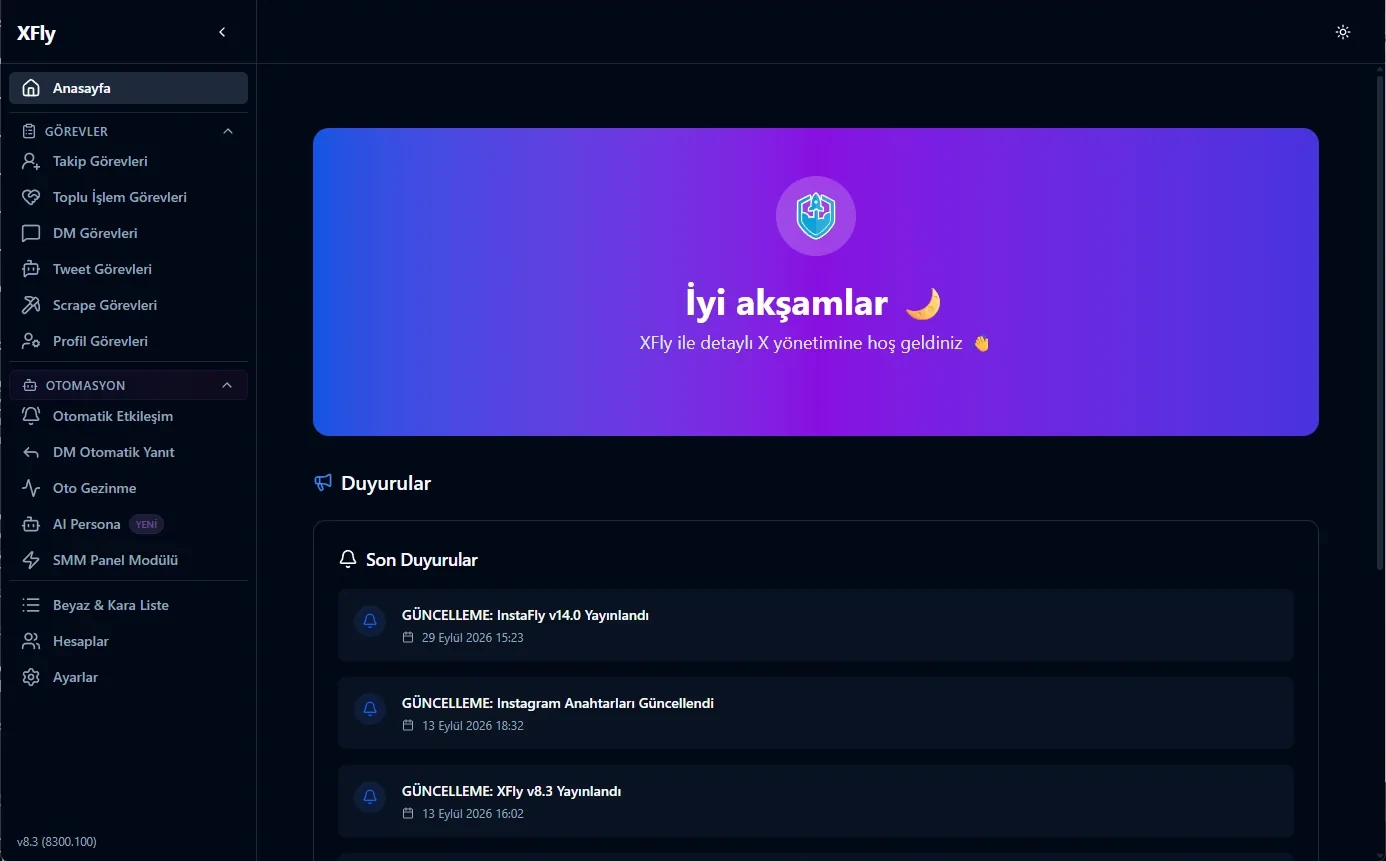
Dark theme
Every window can be used in dark theme.
Auto DM Reply REBUILT
Visual flow editor
Boxes and arrows replace the rules list. Drag boxes onto the canvas and connect their outputs with arrows.
- Boxes: Message received, Keyword, Is following, Tagged in story, Time range (business hours / after hours), Send message, Random message, AI (with box-specific instructions) and HTTP request.
- Undo / redo, copy, zoom, import / export and error markers on invalid boxes.
- You can edit the flow while the tool is running.
- Your old rules are converted into a flow on first launch and keep working exactly as before.
Wait for reply
The flow asks a question and waits for the person's answer. The answer is saved to a variable (%cevap%) and can be used in later messages and HTTP requests.
- Timeout, cancel words and reminder options.
- The conversation continues where it left off even if the program is closed and reopened.
- With "Start over if another topic comes up", the flow restarts when the person asks something different.
Notify me
You get a Windows notification when a conversation needs a human. Optionally, the chat is handed over to you for a set time or the person is added to the Handed Over list.
Handed Over
People on this list get no automatic replies. You can also add or remove people manually.
Test
Try your flow by typing like a customer, without sending anything to Instagram. The boxes passed are highlighted on the canvas.
User Guide and ready-made samples
A Turkish / English guide and 7 sample flows (post price, coming from an ad, order, after hours, agent, ask to follow, thanks for the tag) you can add with one click.
Account Analysis
Account Statistics NEW
Your professional account's Instagram statistics right inside InstaFly.
- Overview, Content, Audience and History tabs.
- 7 / 14 / 30 / 60 / 90 days and custom date range.
- Charts that show values on hover, and a best-time-to-post suggestion.
- Data accumulates on your computer, so the History tab shows older periods Instagram no longer shows.
- Export as CSV and PDF report.
User Lookup
- Post statistics: views, shares, reshares and saves of a post; engagement by followers and by views; comparison with the account's average.
- On your own profile, Instagram's post insights are shown too.
- Average Reels views, shares, saves and a "Most viewed Reels" card in the account analysis.
Shadowban Test NEW
The information on Instagram's Account Status screen (recommendation eligibility, removed content, monetization, etc.) and how your account appears in search and on your profile to an account that doesn't follow you. The result is summarized in a single verdict.
Story Tools
Stories I'm Tagged In NEW
Stories of people who tagged you in their story are listed. "Share to your story", "Share and highlight" or "Skip".
- Sharing uses Instagram's own "Add to your story" method; the story owner gets notified.
- Automatic sharing: filter (bot-looking accounts, follower count, private accounts), delay and daily limit can be set. It also works while the window is closed.
Story Loop NEW
Content in a folder is shared in order, so your story is never empty.
- Share "when the story is empty" or "at a set interval", time range, in order / random.
- Optional highlighting and link sticker.
- The same file is not shared again within 24 hours. It also works while the window is closed.
Story highlights
Stories shared with Quick Story Share and Schedule Story can be added to highlights.
My Stories
Add your active story to an existing or new highlight. Highlighted stories are marked, and you can remove them from highlights.
Person tags
In Quick Story Share, tagged people are added as visible mention stickers like on Instagram; with several people, a group sticker with profile pictures. You can drag and resize it in the preview. Also works in video stories and stories shared from TikTok / Shorts links.
Video stories
Non-vertical videos are placed on a 9:16 canvas. Videos longer than 60 seconds are shared as the first 60 seconds, or in parts with "Split long video into 60-second stories".
Story Viewing and List Story Viewing
Stories are watched from the home tray and from search, just like in the Instagram app.
Posts and Reels
A/B Reels Test NEW
Share 2–3 versions of a Reel (different videos, or copies of the same video starting at different seconds) with separate captions as trial reels. Views, likes, comments and shares are read every hour. The winning version is opened to your followers and the others are deleted.
Giveaway Tool NEW
Fair giveaways from any post's comments, likers, or both.
- Number of winners / backups, one entry per person or per comment, minimum tags, keywords, deadline, bot filtering and follow requirement (sponsors included).
- Result image (PNG) and participant list (CSV); the result can be verified by recalculating it.
- DM or comment reply to the winners with one click.
Upload in highest quality (on by default)
Reels and video stories are uploaded with less compression, and 60 fps videos stay 60 fps. It can be turned off in Settings Center > General.
HDR Reels
HDR videos are published as HDR (Settings Center > General).
Reels sharing
- Custom cover.
- "Also share to story" like on Instagram (Reels card on the story).
- Person tags and collaborator invites.
Quick Post Share
Add your own accounts as collaborators and have them accept the invites automatically.
Trial reels
Shared with Instagram's own method in Quick / Link Post Share and Schedule Post, and hidden from the profile grid. They can be deleted in the Delete Post tool with the "Trial reels" source.
Instants
Can be shared as photo or video.
YouTube
Post from Link and YouTube Shorts Download always download in the highest quality; the HDR version is downloaded when the HDR setting is on.
Follower Tools
Follow Queue – Warm-up following
Likes, story views and emoji reactions happen before the follow, and the person is followed within the minute range you set.
Emoji on story after following
In 9 follow tools and the Follow Queue, you can react to the person's latest story with the emoji you choose after following.
Smart distribution
In Follow Followers / Follow Following, sources are ordered by their follow-back rate and the number of people is distributed accordingly. A follow-back badge appears on source rows.
Unfollow and Remove Follower work in the Instagram app's screen order. In list mode, they search the following list and unfollow without visiting profiles.
List Follow, saving follow lists and search boxes work like in the Instagram app.
Interaction and Messaging Tools
Hashtag (#) tools work through the search results page and the Reels viewer, like on Instagram.
In the Home Feed and Latest Post tools, likes and comments follow the Instagram app's screen order.
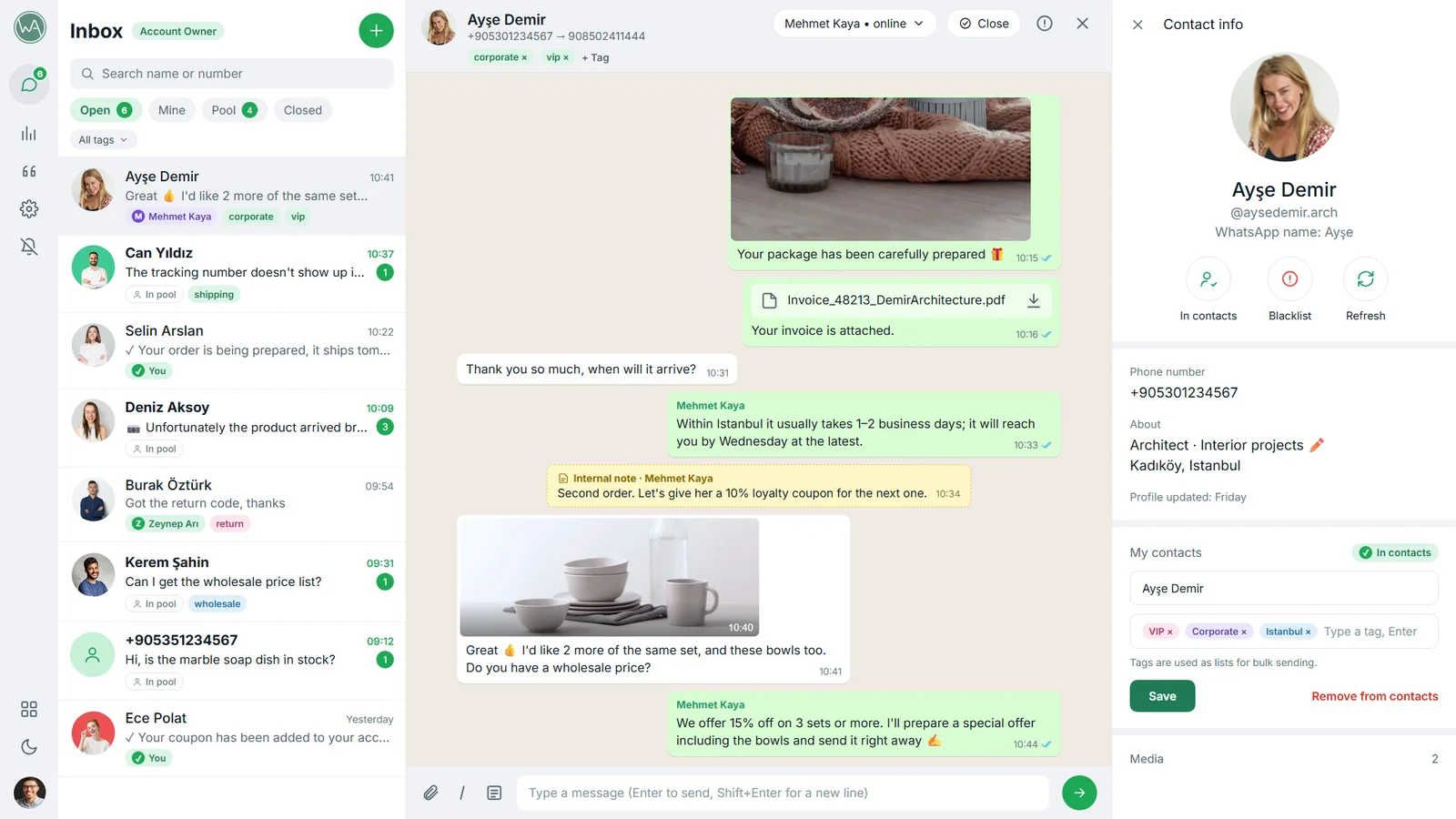
Inbox and Unified Inbox
You can send photos from a chat, and the open chat updates instantly.
Tools that DM new people (Bulk DM, Panel Bulk DM, etc.) send through Instagram's "New Message" screen.
The real-time messaging connection now uses the Instagram app's current connection method.
Main Panel, Account and Settings
Dark theme
The main window, all tool windows, login windows, message boxes and context menus can be used in dark theme.
Affiliate Program
Invite your friends from the "Invite" banner on the login screen and earn 10% from every purchase.
In the left menu, tools added in this version are marked "New" and updated ones "Updated".
Import Accounts
The template is matched line by line. "Create template from data" builds a template from the first line, with a live preview. Already saved accounts are not overwritten, and the result shows added / already exists / not matching counts.
Sessions are now deleted only when Instagram explicitly says they are invalid. Network or server errors and verification requests no longer log your account out.
Notifications are not refreshed in the background while the account is idle (your "last active" status on Instagram is not updated needlessly).
Requests and connections to Instagram are much closer to the latest Instagram app's own behavior. We improved the spam algorithms.
We made security improvements.
Stability and Bug Fixes
The Settings window didn't open in the English interface, fixed.
The message badge didn't clear for some chats in the Inbox, fixed.
The bulk button in Account Creation didn't respond, fixed.
2FA: Fixed the "key could not be obtained" error when the account ID was empty, and the unreadable email re-verification screen.
Fixed message boxes disappearing unseen while the program was in the background.
Fixes for A/B Reels Test and emoji reactions in Story Viewing.
We fixed other reported bugs.
Thank you for being a part of the SOCIFLY family! 🥰 Your feedback helps us make InstaFly better every day. We will keep working tirelessly to provide you with the best service.
Explore InstaFlyBest regards;
SOCIFLY Team